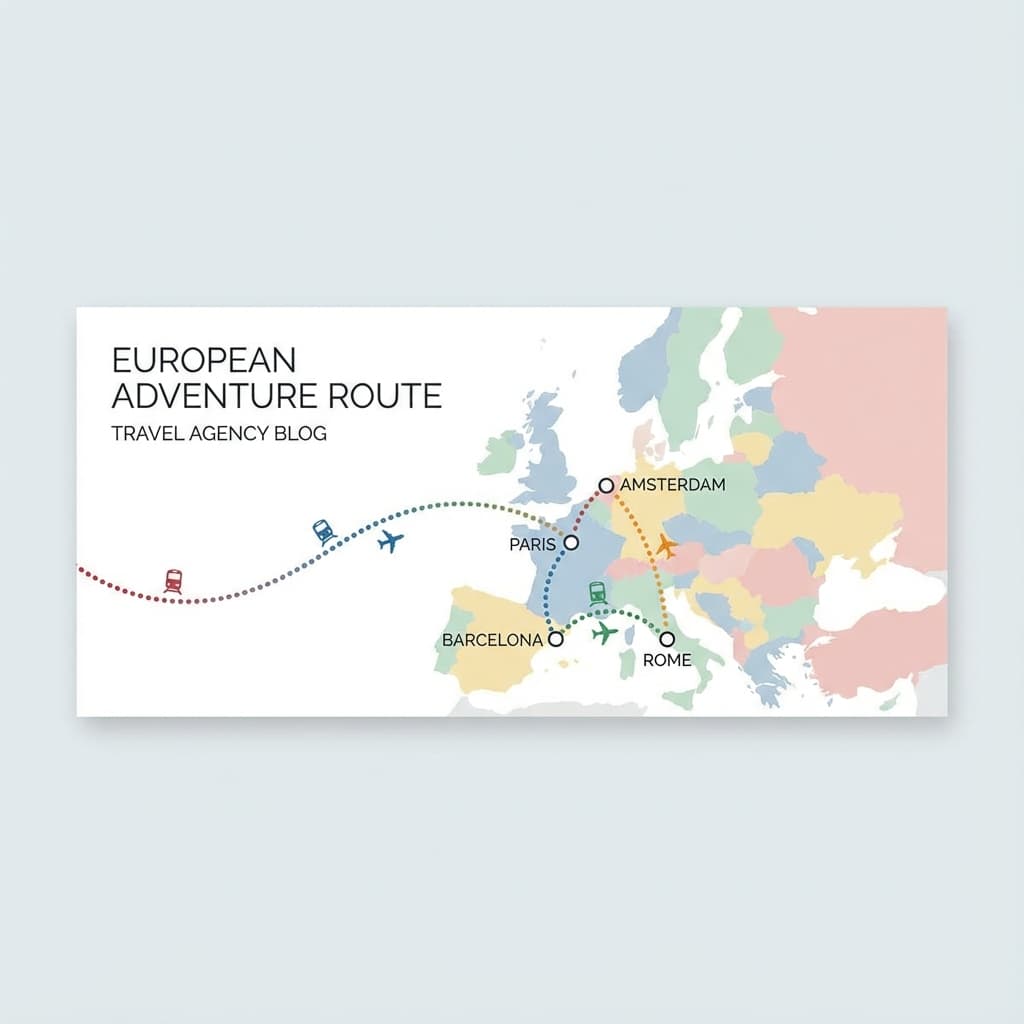
Travel route maps are powerful visual tools that help travel agents and tour operators communicate itineraries effectively. A well-designed map can transform a simple list of destinations into an engaging visual story that excites clients and sets your services apart.
Why Professional Maps Matter
In the competitive travel industry, presentation is everything. Clients want to see their journey visualized before they commit. A professional route map:
- Builds Trust: Shows attention to detail and professionalism
- Enhances Understanding: Makes complex itineraries easy to grasp
- Increases Conversions: Visual appeal leads to more bookings
- Saves Time: Reduces back-and-forth questions about routes
Step-by-Step Guide to Creating Route Maps
1. Plan Your Route
Before you start mapping, outline your itinerary:
- List all destinations in order
- Note travel methods between locations (flight, train, car, etc.)
- Identify key stops and attractions
- Consider travel time and distances
2. Choose the Right Tool
While you could use complex design software, specialized tools like TourMap make the process much faster:
- No Design Skills Required: Pre-built templates and styles
- Automatic Route Calculation: Smart algorithms connect destinations
- Professional Output: Export-ready formats for web and print
- Time Efficient: Create maps in minutes, not hours
3. Customize Your Map
Make your map reflect your brand:
- Color Scheme: Use your agency's brand colors
- Typography: Match your company fonts
- Icons: Choose appropriate transportation icons
- Layout: Select a style that fits your presentation
4. Add Contextual Information
Enhance your map with useful details:
- City names and landmarks
- Travel distances and durations
- Key attractions at each stop
- Accommodation locations
5. Export and Share
Once your map is ready:
- Export in high resolution for print materials
- Use web-optimized formats for digital presentations
- Include in proposal documents and client communications
- Share via email or embed in your website
Best Practices
Keep It Simple
Don't overcrowd your map. Focus on the main route and essential information. Too many details can confuse clients.
Use Consistent Styling
Maintain the same style across all your maps to build brand recognition. Consistency makes your agency look more professional.
Update Regularly
If itineraries change, update your maps immediately. Outdated information damages credibility.
Test on Different Devices
Ensure your maps look good on:
- Desktop computers
- Tablets
- Mobile phones
- Print materials
Common Mistakes to Avoid
- Incorrect Route Order: Double-check that destinations are in the right sequence
- Missing Information: Include all relevant stops and details
- Poor Color Choices: Ensure sufficient contrast for readability
- Low Resolution: Use high-quality exports for professional presentations
- Outdated Maps: Keep maps current with itinerary changes
Real-World Applications
Professional route maps are versatile tools:
- Proposal Documents: Include in initial client proposals
- Marketing Materials: Use in brochures and promotional content
- Website Integration: Display on your agency website
- Social Media: Share on platforms to showcase your services
- Client Communications: Send with booking confirmations
Conclusion
Creating professional travel route maps doesn't have to be complicated. With the right tools and approach, you can produce stunning visuals that enhance your services and impress clients. The investment in quality maps pays off through increased client satisfaction and more bookings.
Start creating your first professional route map today and see the difference it makes in your client communications.