tour guide toolstour guide itinerarytravel route maptour presentation
Essential Tools Every Tour Guide Needs to Present Tours Professionally
Tourmap Team
4 min read
Being a great tour guide is not just about storytelling and local knowledge anymore.
Today’s travelers expect clear itineraries, visual explanations, and professional presentation — even before the tour begins.
Whether you are a local tour guide, freelance guide, or small tour operator, the right tools can help you:
This article covers essential tools every modern tour guide should use.
Most tour guides still send itineraries like this:
Day 1: Old Town – Museum – River Cruise
Day 2: Mountain – Village – Local Market
While simple, text-only itineraries are:
A professional itinerary should clearly show:
This is where visual tools become extremely useful.
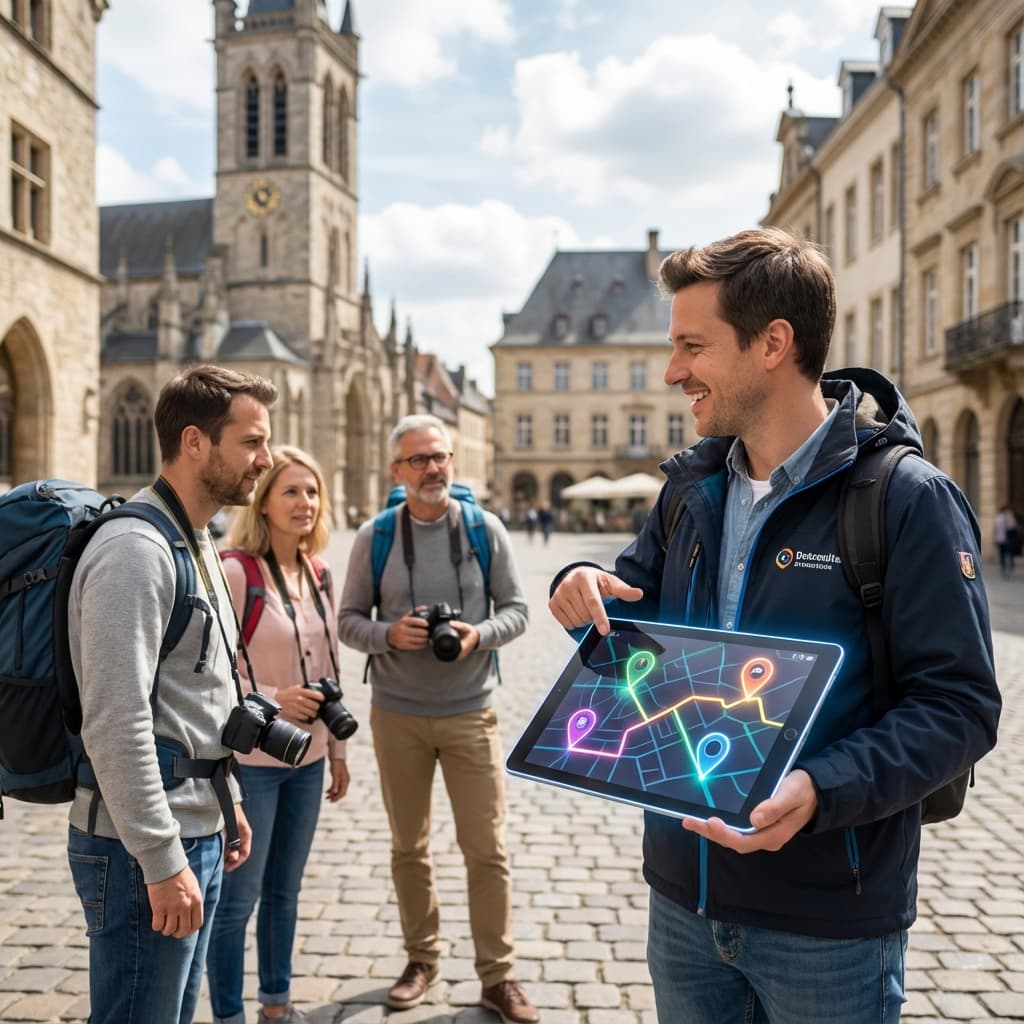
A travel route map shows your entire tour journey at a glance:
Even simple walking tours or day trips benefit from a clear map.
If your guest understands the route instantly, they feel more comfortable joining your tour.
Many tour guides think creating maps requires:
In reality, modern online tools allow tour guides to:
This means any tour guide can create professional-looking maps — even without design experience.
If you guide:
A short visual briefing helps a lot.
Useful tools include:
Visual presentation helps guests:
Tour guides often communicate via:
Make sure your materials are:
A single image showing the route is often more effective than a long message.
Travelers choose guides they trust.
Professional presentation:
Many travelers decide before the tour starts, based on:
Instead of sending:
You can:
This approach works for:
You don’t need expensive software or complex systems to look professional as a tour guide.
Start with:
Small improvements in presentation can lead to:
Create a simple travel route map and show your guests the journey clearly — before the tour even begins.
👉 Create a travel route map (Free)
Start creating beautiful travel route maps in minutes. No design skills required. Free plan available.
Create a travel route map (Free)